
Vocabulary Typing Practice
Expand your English lexicon, master complex spellings, and build typing speed through multi-sensory orthographic mapping.
Dual benefit
Why spend practice time typing meaningless sentences like "the quick brown fox" over and over? With Vocabulary Typing Practice, every minute of keyboard training expands your real-world English vocabulary, reinforces SAT/GRE-level words, and builds spelling automaticity through audio and definitions.
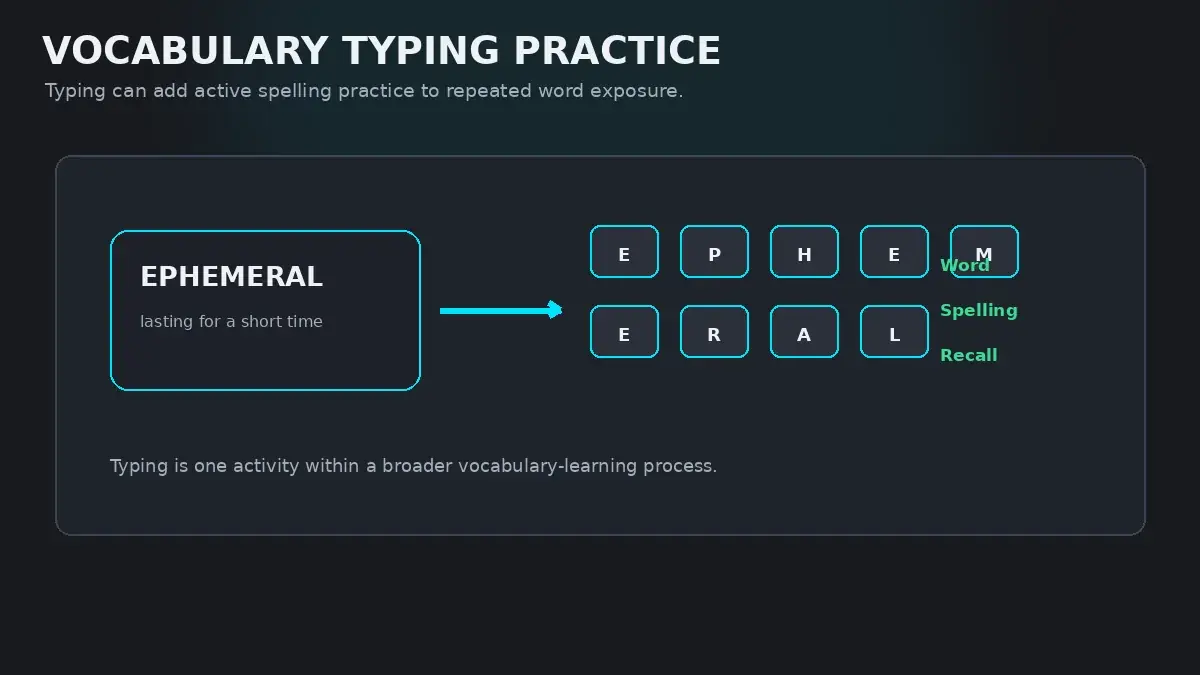
Beyond Elementary Word Pools
Most typing software relies on a narrow pool of 200 common English words: and, but, for, with, this, that. While this is great for building initial finger agility, it creates a narrow comfort zone.
In professional work, academic essays, and literature, real communication uses nuanced, multi-syllabic words:pragmatic, meticulous, quintessential, ambiguous. When typists who practice only simple words encounter these complex terms, their speed collapses because their fingers have never encoded those specific morphological syllables.
Vocabulary typing practice bridges this gap: it turns keyboard drills into an intellectual exercise that enriches your vocabulary while training your hands.
The Science of Orthographic Mapping
How does typing a word letter-by-letter help you remember what it means and how to spell it?
In literacy research, Orthographic Mapping is the cognitive process by which the brain connects a word's spelling (orthography), sound (phonology), and meaning (semantics) into a permanent sight-word representation in the Visual Word Form Area (VWFA) of the left hemisphere.
When you type in HeroTyping's Vocabulary Mode:
- Visual Channel: You see the word and its concise dictionary definition displayed prominently.
- Auditory Channel: Built-in text-to-speech audio pronounces the word aloud.
- Kinesthetic Channel: Your fingers physically execute each character in sequence.
This triple-layer encoding creates exceptionally strong memory traces, allowing you to master spelling and definitions simultaneously.
HeroTyping's 1,300-Word Curriculum Tiers
HeroTyping features a hand-curated vocabulary engine containing 1,300 unique English words divided into three balanced difficulty tiers:
| Difficulty Tier | Target Audience | Linguistic Characteristics | Sample Words |
|---|---|---|---|
| Easy Tier (650 Words) | Developing typists, ESL learners, middle-school students | Common 4- to 7-letter words with transparent phonetics and high frequency. | anchor, blossom, candid, gentle, humble, journey, nimble, puzzle |
| Medium Tier (390 Words) | High school students, college prep, everyday professionals | Latinate roots, common academic prefixes (sub-, trans-, inter-), and abstract nouns. | adversity, benevolent, diligent, fluctuate, intuitive, pragmatic, resilient |
| Hard Tier (260 Words) | Advanced writers, GRE/SAT test takers, avid readers | Sophisticated literary vocabulary, multi-syllabic Greek/Latin etymology, rare spellings. | anachronism, cacophony, ephemeral, obfuscate, ubiquitous, vicarious |
The Role of Pronunciation Audio
English spelling is notoriously irregular: words like epitome, paradigm, and hyperbole are frequently mispronounced by people who have only encountered them in print.
HeroTyping solves this by integrating browser speech synthesis. As each new word appears on screen, you can listen to its native pronunciation at the press of a button. Hearing the acoustic cadence while your fingers strike the keys guarantees that you learn both how to write the word and how to pronounce it with confidence in meetings or presentations.
Starting Your Vocabulary Training Today
Adding vocabulary training to your daily routine takes just one click:
- Visit the dedicated HeroTyping Vocabulary Mode.
- Select your desired tier (Easy, Medium, or Hard) and choose your target word count per round (10, 25, or 50 words).
- Type each word cleanly. Watch the definition card and listen to the audio feedback.
- Review your post-round summary to see newly mastered words, accuracy percentages, and pronunciation audio logs.
FAQ
How does typing words help you memorize their definitions?
In cognitive neuroscience, this phenomenon is explained by 'Orthographic Mapping'. When you read a word passively, your brain skims its overall visual shape. When you type that word letter-by-letter while reading its definition and hearing its pronunciation, you engage three distinct neural channels: visual, auditory, and motor. This multi-sensory encoding significantly accelerates vocabulary retention.
Why does HeroTyping include speech pronunciation in Vocabulary Mode?
Phonological awareness is vital for vocabulary acquisition. Hearing the correct acoustic pronunciation while your fingers type the spelling synchronizes the brain's auditory cortex with motor execution, preventing spelling confusion on words with silent letters or irregular vowel blends.
Can beginners use Vocabulary Mode, or is it only for fast typists?
Beginners can absolutely use Vocabulary Mode. HeroTyping divides its 1,300-word pool into three distinct tiers: Easy, Medium, and Hard. Beginners can start with the Easy tier (650 words) to practice simple words with clear spellings before advancing to academic terminology.
How is Vocabulary Mode scored compared to standard speed tests?
Vocabulary Mode evaluates word-by-word completion. A word advances once it is typed cleanly, with errors highlighted immediately on the active word. This emphasizes orthographic accuracy and comprehension over frantic, blind speed.
Sources & references
- Orthographic Mapping in the Acquisition of Sight Word Reading and Spelling — Ehri, L. C. (Scientific Studies of Reading, 2014)
- The Role of Phonological and Orthographic Representations in Word Recognition — Perfetti, C. A. (Reading and Writing: An Interdisciplinary Journal, 1992)
- Motor Memory and Lexical Representation in High-Speed Typing — Crump, M. J., & Logan, G. D. (Psychological Science, 2010)