
Practice Typing Numbers & Symbols Blind
Advanced mixed alphanumeric training for currency, percentages, JSON, markdown, and code syntax.
Advanced skill
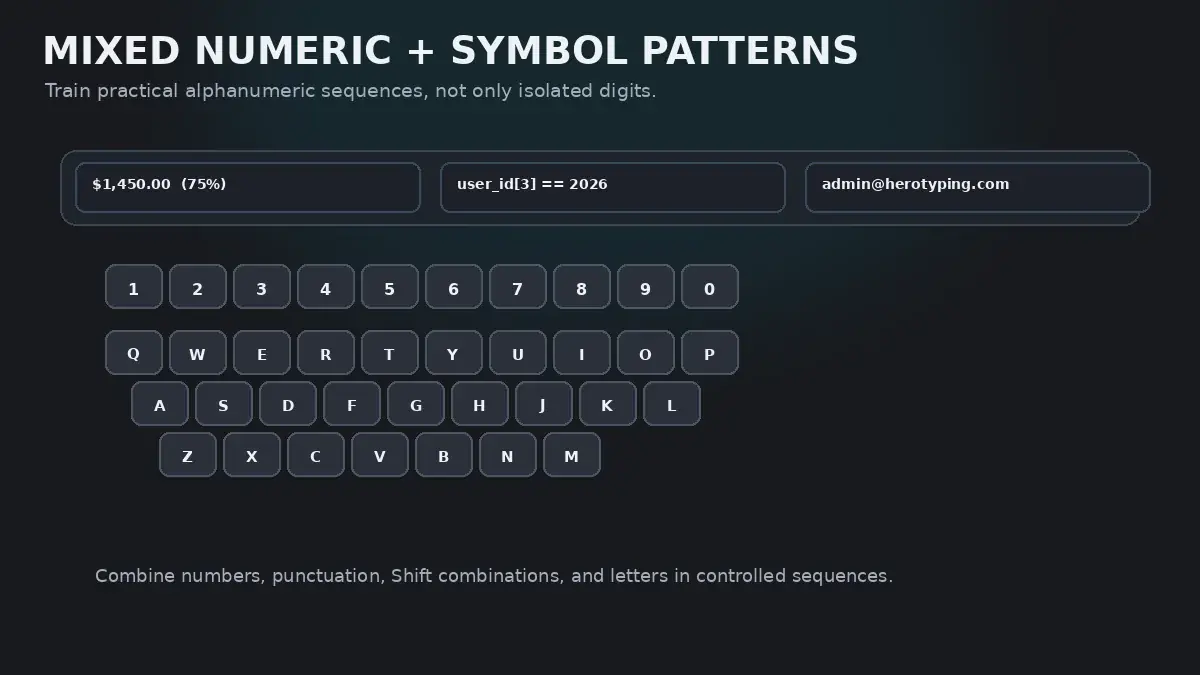
Typing pure numbers in a batch is relatively easy. The true test of a master typist is mixed transition flow: shifting effortlessly from letters to numbers to Shift symbols and back to letters without ever glancing down at the keyboard.
The Mixed Transition Problem
Consider typing this realistic sentence:
The Q3 revenue increased by 14.8% ($2,450,000) across 18 regional hubs.
In a single sentence, your hands must execute:
- Standard lowercase alphabetic words (The, revenue, increased, by, across, regional, hubs)
- Top-row numeric characters (
3, 1, 4, 8, 2, 4, 5, 0, 0, 0, 1, 8) - Dual-shift symbols (
$, %, (, )) - Bottom-row punctuation (commas and periods)
Most typists stumble violently through this sentence because their hands lack transition flow. They treat every number and symbol as a surprise emergency, freezing their hands and looking down to locate the symbol.
The Dual-Shift Coordination Rule for Top-Row Symbols
Every symbol on the top number row requires holding Shift. To prevent hand contortions, apply the Dual-Shift Rule:
Left Hand Symbols (! @ # $ %)
Struck by Left Pinky, Ring, Middle, or Index.
→ HOLD RIGHT SHIFT with your Right Pinky.
Right Hand Symbols (^ & * ( ))
Struck by Right Index, Middle, Ring, or Pinky.
→ HOLD LEFT SHIFT with your Left Pinky.
Alphanumeric Transition Categories
Review how different domain styles combine numbers, symbols, and letters:
| Domain Category | Sample Mixed String | Biomechanical Coordination | Common Beginner Trap |
|---|---|---|---|
| Financial & Currency | $1,450.00 | 15.5% | €250 | $99.99 | Left pinky holds Shift for $, left index strikes 4. Right ring curls down for period. | Looking down when transitioning from letters to dollar signs or percentage symbols. |
| Coding & JSON Syntax | items[0] = { count: 42, active: true }; | Right pinky reaches for [ and {; left index reaches for 4; right pinky strikes semicolon. | Lifting right palm when reaching for brackets and curly braces. |
| Dates, Formulas & Math | 2026-09-27 | (a + b) * (c - d) / 2 | Right pinky holds Left Shift for parentheses; right pinky strikes minus and equals without Shift. | Confusing asterisk (*) on key 8 with ampersand (&) on key 7. |
| Markdown & Technical Prose | # Header 1: `user_id` (v2.4.0) | Left middle reaches for #; left pinky reaches for backtick (`); right ring handles parentheses. | Stalling on backticks or underscores in snake_case identifiers. |
The Reach-and-Return Anchor Technique
When you extend your finger two rows upward to strike a symbol like # or $, do not let your palm follow.
Use the Snap-Back Mechanism:
- Hold the opposite Shift key.
- Extend only the striking finger to tap the symbol keycap cleanly.
- Immediately upon key release, snap the striking finger back to its home-row resting position before typing the next letter.
- Release the Shift key simultaneously as the finger snaps back.
Snapping back to base camp ensures that your spatial coordinates never drift, allowing you to transition back to lowercase letters at full velocity.
HeroTyping Mastery Lesson 27
To drill mixed numbers and symbols with rigorous validation, proceed to Lesson 27: Numbers and Symbols Mastery in the HeroTyping Curriculum.
Lesson 27 combines currency, bracketed lists, arithmetic equations, and technical prose into progressive, timed drills designed to build total blind keyboard mastery.
FAQ
Why is mixed alphanumeric typing so much harder than typing pure numbers?
When typing pure numbers, your hands can stay in an elevated posture near the top row. When typing mixed prose, your hands must continuously shift between the home row (for letters) and the top row (for numbers and symbols), requiring rapid reach-and-return anchor cycles. This constant vertical transition breaks rhythm unless anchored properly.
How do I know which Shift key to use for symbols on keys 1 through 5 vs. 6 through 0?
Follow the Opposite-Hand Shift Rule: for symbols on keys 1, 2, 3, 4, and 5 (!, @, #, $, %), hold the Right Shift key with your right pinky. For symbols on keys 6, 7, 8, 9, and 0 (^, &, *, (, )), hold the Left Shift key with your left pinky.
How do programmers type brackets, braces, and underscores without looking?
Programmers master 'anchor pivoting': keeping their right index finger lightly hovering above 'J' while the right pinky extends to the right for brackets ([ ]), curly braces ({ }), and underscores (_). Because the index finger remains anchored, the pinky always knows its relative distance.
How long does it take to master mixed numbers and symbols without looking?
With 10 minutes of daily mixed drill practice, most typists eliminate the habit of looking down for symbols within 14 to 21 days.
Sources & references
- Motor Performance in Alphanumeric Transcription Tasks: Letters vs. Mathematical Symbols — Salthouse, T. A. (Human Factors, 1986)
- Bimanual Coordination Patterns in Symbolic and Numeric Data Entry — Swinnen, S. P. (Psychological Bulletin, 2002)
- The Ergonomics of Programming: Keystroke Latency on Non-Alphanumeric Tokens — Card, S. K., Moran, T. P., & Newell, A. (The Psychology of Human-Computer Interaction, CRC Press, 1983)