
Improve Your Typing Speed With a Ghost Caret
A second, visually distinct cursor that races you at a target speed in real time -- here's what it is and how to use one to actually get faster.
In short
A pace caret (also called a ghost caret) is a second cursor on a typing test that moves at a fixed target speed, independent of what you're actually typing. You watch both cursors at once: if the ghost pulls ahead, you're behind pace right now; if your real cursor is ahead, you're on track. HeroTyping added one that can race either your own personal best or any custom WPM you choose.
The Problem With Every Normal Typing Speed Test
Take a typing test the ordinary way and you get exactly one piece of feedback: a number, after you're already finished. You find out your words per minute, your accuracy, maybe a consistency score -- all of it arrives after the fact. While you were actually typing, you had no idea whether you were on pace for a good result or quietly falling behind until the last word.
That delay is the whole problem. If you don't know you're slowing down until the results screen, you can't do anything about it during the test that would have mattered. You just see the number, shrug, and run another test the same way.
What a Pace Caret Actually Is
A pace caret fixes this by giving you a second cursor that moves at a steady, predetermined speed, completely independent of your real keystrokes. Pick a target -- say, 55 WPM -- and that ghost cursor advances through the word list at exactly 55 WPM for the whole test, regardless of how fast or slow you actually type.
Your real typing position is still there too, moving normally as you type. So for the entire test you can see both: where you actually are, and where a typist holding your target pace would be right now. The gap between the two cursors is your feedback, live, not after the test ends.
How It's Different From Your Real Caret
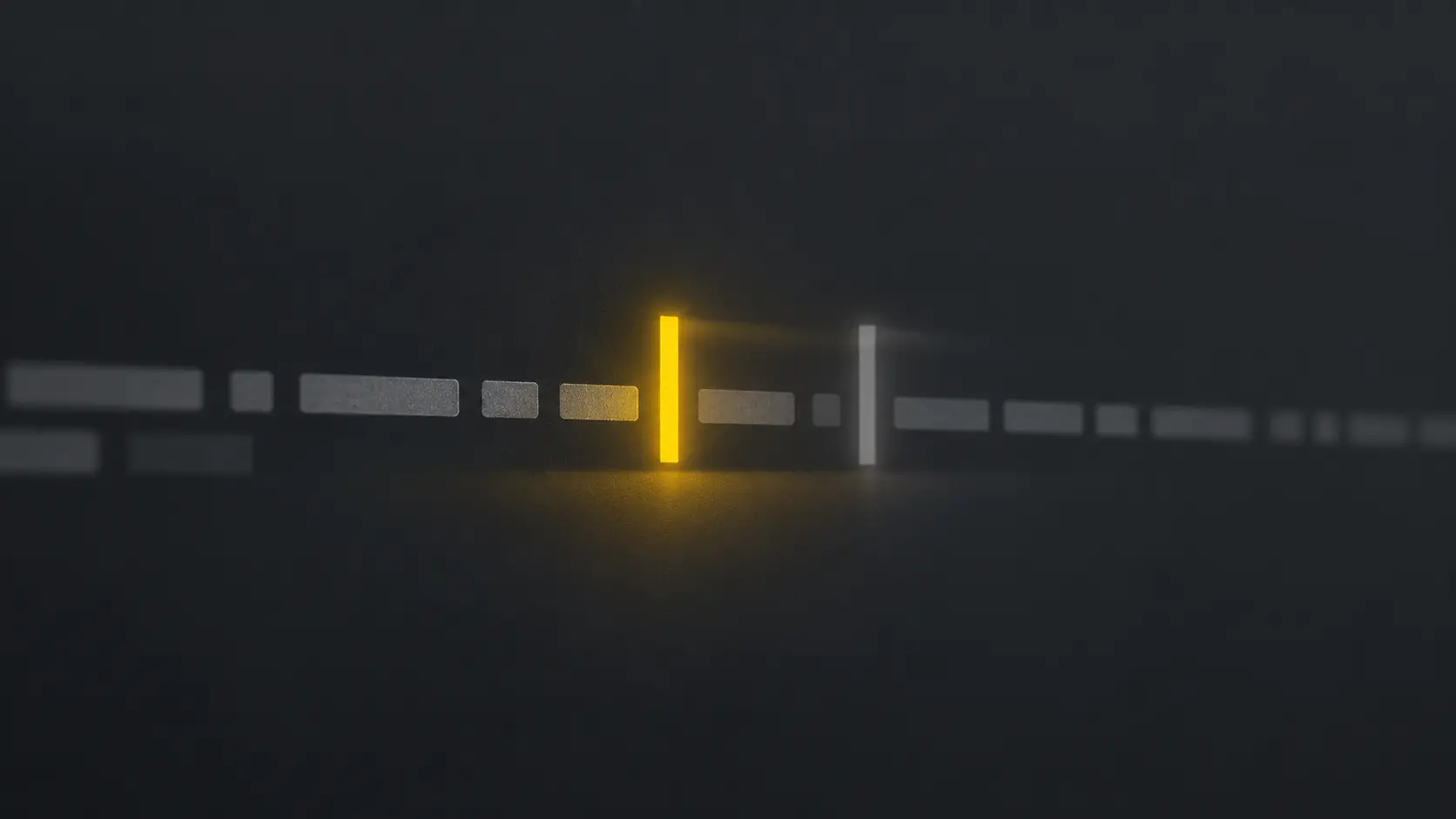
HeroTyping renders the two cursors with deliberately different styling so they're never confused: your real typing position is a solid, bright cursor in your theme's accent color, and the pace caret is a dimmer, translucent bar that trails or leads it. Each one moves independently -- your real caret only advances when you actually type a correct character, the pace caret advances purely on elapsed time.
Because they're visually distinct, you can tell at a glance which one is ahead without having to think about it mid-sentence. That matters: anything that requires you to stop and interpret a number while you're typing defeats the point. A pace caret works because reading "is the dim cursor ahead of the bright one" takes no more attention than noticing a word you're about to mistype.
Three Ways to Set Your Target
HeroTyping's pace caret has three modes, switchable from Test Settings on any typing test:
- Off. The default. No second cursor, test behaves exactly like a normal typing speed test.
- Race your personal best. The ghost caret moves at your tracked PB for the exact mode and settings you're currently running -- a 25-word test has its own PB separate from a 60-second test, so the target always matches what you're actually doing.
- Custom WPM. Pick any number. Useful for easing into a new target gradually, or for racing a specific speed a job posting or class requires rather than your own history.
Why Real-Time Feedback Beats a Final Score
The appeal of a pace caret isn't novelty, it's timing. A results screen tells you what already happened -- useful for tracking progress over days and weeks, but useless for correcting course in the moment. A pace caret tells you what's happening right now, while there's still time to change something: ease off a reckless sprint that's about to cause a typo, or pick up the pace on an easy stretch of short words.
It also reframes what "doing well" means mid-test. Instead of vaguely trying to "type fast," your actual job becomes simple and concrete: don't let the ghost get ahead. That's a much easier thing for your brain to track while your fingers are busy than an abstract speed goal.
How to Turn It On
- Open HeroTyping and click Test Settings (or find the pace caret controls directly in the config bar on desktop).
- Under Pace Caret, choose Your PB to race your personal best, or Custom to set a specific WPM.
- Start typing normally -- the ghost caret appears automatically once the test begins.
It's free and doesn't require an account. If you're chasing a specific number, pair this with setting a real typing speed goal; if your results already feel fast-but-erratic, a pace caret set slightly under your average is specifically good at smoothing that out.
Try it now
Run a real typing speed test on HeroTyping right now with the pace caret turned on -- it takes less time to set up than reading the rest of this sentence.
FAQ
Does the pace caret affect my WPM or accuracy score?
No. The pace caret is rendered independently of HeroTyping's scoring engine -- it reads your elapsed time and word list to decide where to draw a second cursor, but it never writes back into your correct-keystroke count, accuracy, or consistency. You can turn it on or off mid-session without it touching a single number on your results screen.
Can I set the pace caret to my own average instead of my best?
HeroTyping's pace caret currently supports two targets: your personal best for the current mode and configuration, or any custom WPM you choose. If you want to race something close to your typical pace rather than your peak, set a custom target a few WPM below your best -- that approximates an 'average' target without needing a separate tracked stat.
What's a good pace caret target if I don't know my typing speed yet?
Run one normal typing test first with the pace caret off, note your net WPM, then turn the pace caret on and set a custom target 5 to 10 percent above that number. Racing a target you've never hit before from the first session usually just feels discouraging -- a small, achievable stretch works better.
Does every typing test site have a pace caret?
No. It's a feature a handful of typing test sites have built, each with its own name for it (pace caret, ghost caret, target cursor). HeroTyping's version races either your tracked personal best or a custom WPM, is free, and doesn't require an account to use.
Apply what you learned directly in HeroTyping's interactive training engine.