
Custom Text Typing Test
Practice typing your own real-world content: programming syntax, medical notes, legal documents, or literature.
Product capability
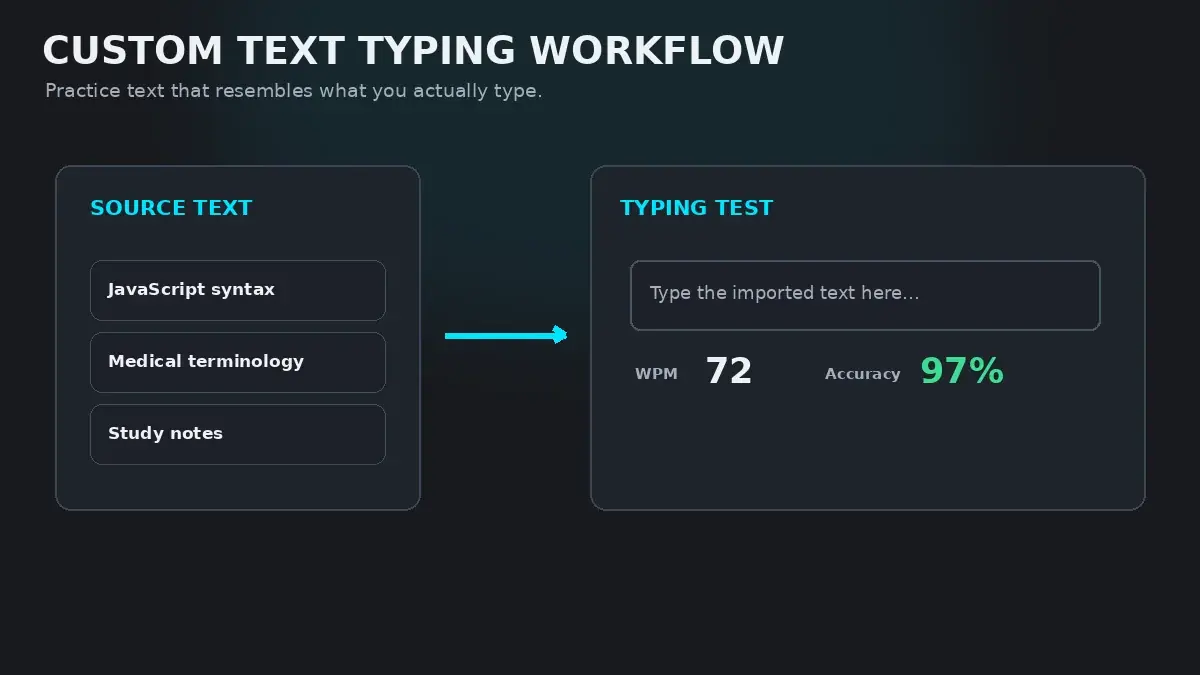
Standard typing tests draw from common dictionary pools like English 200 or English 1000. HeroTyping's built-in Custom Text Mode lets you paste up to 2,000 characters of your own content—from Python syntax and medical terminology to essay drafts and speech transcripts.
Why Custom Text Practice Beats Generic Tests
Most online typing tests evaluate you on simple everyday English words: the, about, could, people, time. While this is great for building initial finger agility, it does not prepare you for the actual text you type at your job or in your studies.
If you are a programmer, 40% of your daily keystrokes are brackets, braces, underscores, and camelCase syntax. If you are a medical transcriber, you type complex pharmaceutical names like acetaminophen and hydrochlorothiazide. If you are a legal assistant, you type citations, Roman numerals, and formal clauses.
Practicing generic English will never automate the specialized muscle memory required for these domains. Custom text practice allows you to bridge the gap between abstract typing tests and real-world workplace productivity.
Domain-Specific Use Cases
Review how professionals across industries use custom text tests to build career-specific typing velocity:
| Domain / Role | Example Custom Input | Biomechanical & Speed Payoff |
|---|---|---|
| Software Developers & Engineers | Python functions, SQL queries, HTML/CSS tags, JavaScript arrow syntax | Builds specialized muscle memory for brackets, braces, camelCase, and underscores without looking. |
| Medical Scribes & Transcribers | Pharmacological names, anatomical terms, clinical patient histories | Automates multi-syllabic Latinate roots and complex medical terminology. |
| Legal Assistants & Paralegals | Statute citations, court filings, contractual clauses, legal definitions | Eliminates hesitation around formal formatting, section symbols, and archaic phrasing. |
| Students & Language Learners | Lecture summaries, essay drafts, flashcard definitions, literature excerpts | Combines dual-coding memory retention: typing notes letter-by-letter reinforces active recall. |
How to Use Custom Mode in HeroTyping
Loading your own material into HeroTyping takes less than ten seconds:
- Navigate to the HeroTyping Home Page.
- Look at the test mode selector in the top toolbar (Time | Words | Quote | Punctuation | Numbers | Custom). Click on Custom.
- A dedicated modal window opens. Paste your snippet into the text area. You can enter up to 2,000 characters at once.
- Click Apply Text.
- Start typing immediately! The test runs with live character tracking, instantaneous WPM calculation, and detailed post-test accuracy analytics.
Text Formatting Best Practices
To ensure smooth practice runs without formatting issues:
- Keep snippets between 100 and 300 words: Pasting a full 2,000-character block is supported, but 150-word chunks provide the cleanest balance of stamina and feedback.
- Use standard ASCII characters: Standard quotes (
"and') and standard hyphens ensure predictable keystroke verification. - Test incrementally: If drilling code, start with short 5-line functions before pasting complex multi-nested classes.
The Dual-Coding Study Technique for Students
Custom text typing is also one of the most effective study hacks for students preparing for exams.
In cognitive psychology, the Dual-Coding Theory demonstrates that processing information through multiple sensorimotor modalities (reading visually while simultaneously executing tactile finger movements) dramatically improves retention compared to passive reading alone.
Paste your biology definitions, history dates, or foreign language vocabulary into HeroTyping's custom test mode. Typing your notes at speed forces active cognitive recall and engraves the material into long-term memory.
FAQ
How do I load my own text into HeroTyping?
On the HeroTyping homepage, click the 'Custom' mode button in the test toolbar. A modal window will appear. Paste or type your desired text (up to 2,000 characters) into the box and click 'Apply Text'. The speed test will immediately load your custom content with live WPM and accuracy tracking.
Does HeroTyping calculate Net WPM and accuracy accurately for custom text?
Yes. The typing engine applies the exact same standardized 5-characters-per-word Net WPM formula and accuracy calculations to custom text as it does to standard tests. Capital letters, numbers, and punctuation are scored with full fidelity.
What happens if I paste text with newlines or tabs?
The custom text parser cleans and normalizes whitespace, converting line breaks and tabs into natural word breaks so you can type continuously without unexpected cursor traps.
Why does typing code feel so much slower than typing normal English?
Standard English prose relies on predictable word chunks (like 'the', 'tion', 'ing'). Code syntax, by contrast, contains frequent non-alphabetic characters (like '{', '}', '=>', ';', '_') that require pinky reaches and dual Shift key presses, completely breaking standard English rhythm. Drilling code in Custom Mode is the fastest way to bridge this gap.
Sources & references
- Domain-Specific Vocabulary and Motor Chunking in Transcription Tasks — Salthouse, T. A., & Saults, J. S. (Journal of Applied Psychology, 1987)
- Dual Coding Theory and Motor Memory in Educational Transcription — Paivio, A. (Mental Representations: A Dual Coding Approach, Oxford University Press, 1990)
- Keystroke Latency and Cognitive Load in Programming Language Syntax Entry — Ko, A. J., & Myers, B. A. (Human-Computer Interaction, 2005)